
get
https://api.yotpo.com/analytics/v1/emails//export/csv
Export your Email Analytics data in .csv format. We'll email you a detailed spreadsheet based on the queried parameters.
Recent Requests
Log in to see full request history
| Time | Status | User Agent | |
|---|---|---|---|
Retrieving recent requests… | |||
Loading…
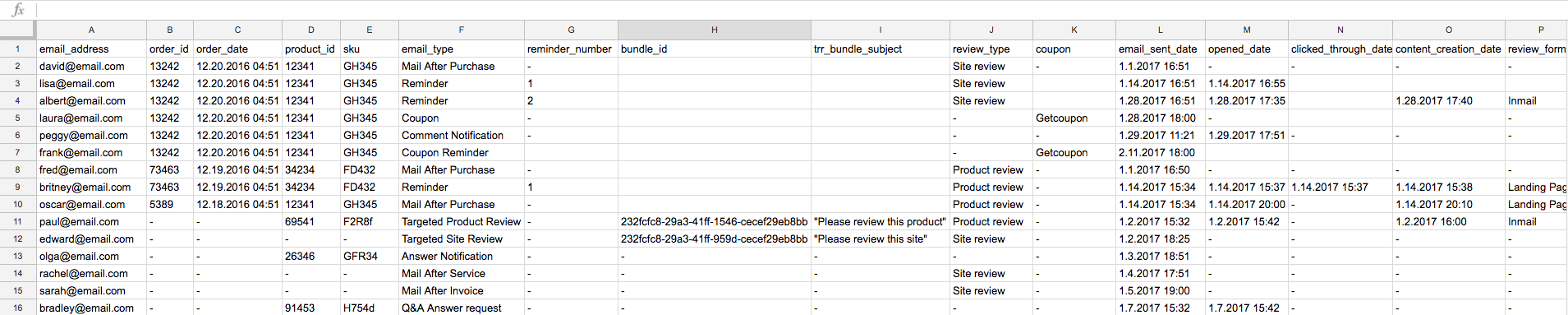
Use this endpoint to generate an itemized spreadsheet of your Email Analytics data based on the queried parameters.
Note:The
sinceanduntilparameters always refer to sent emails, regardless of which metric was requested. Metrics are retrieved from emails which were sent within the date range defined.For example, if you're requesting data on reviews within the date range of Jan 01 (
since) - Jan 05 (until), note that while the review request emails were sent within the date range, the actual reviews may have only been created after Jan 05 (until).